In the following post we will connect our SpringBoot microservice to a local eureka server
As a short description about Eureka we can say that it’s a service discovery service which allows other services to register and be visible from one location.
1.Create a local service eureka server from https://start.spring.io/

The only dependency that we need is the Eureka Server which we will configure to act as a service discovery server.
A. Open the spring application class and add the eureka server annotation

B. Let’s configure the eureka server by adding some properties into the main application.properties file

The properties will set a localhost server on the specified port and will disable registration because this is the we don’t want to connect to our own service.
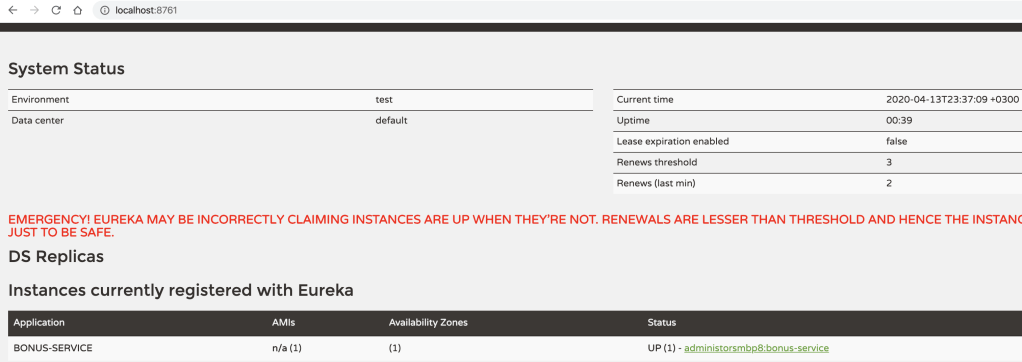
Run the main application and verify the server

2. Let’s configure our service to connect to the eureka server
You can also checkout the service that already contains the changes from:
https://github.com/diaconur/bonus-service
A.Add eureka client dependency

B. Configure the service to connect to eureka server
Enable Eureka client on the main application

Configure the client in the main application.properties file

Service will be registered using the application.name that we define and it will connect to the server according to what we specified in the eureka server service.
If the eureka server is not started then you need to start it and then start the service that you want to register to it.
Further informations about the eureka client and server can be found on:
https://cloud.spring.io/spring-cloud-netflix/reference/html/







 Development & Automation
Leave a comment