Setup high level design

- Create dockerhub repository
- Create github repository
- Create a spring boot dummy project
- Create docker image that contains springboot project
- Push image to dockerhub repository
- Run a container with our image
1. Create a docker hub account and a docker repository
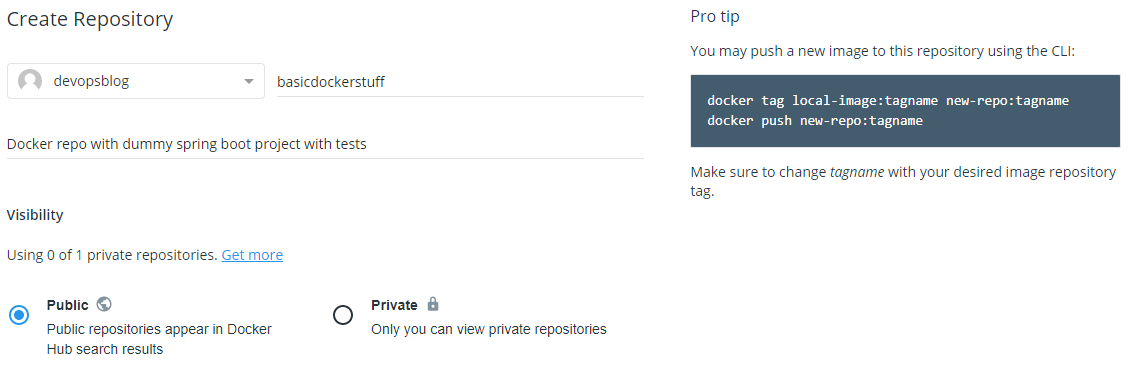
Docker verification and hub login
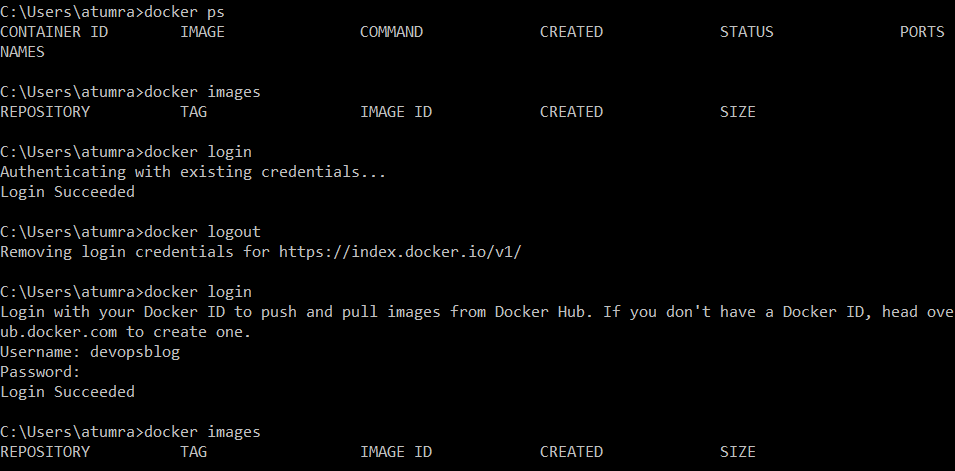
If you are already connected the client will use the local credentials but you can logout and login again. In a fresh installation you have no docker images but we will get a dummy image and push it to our docker hub repository .
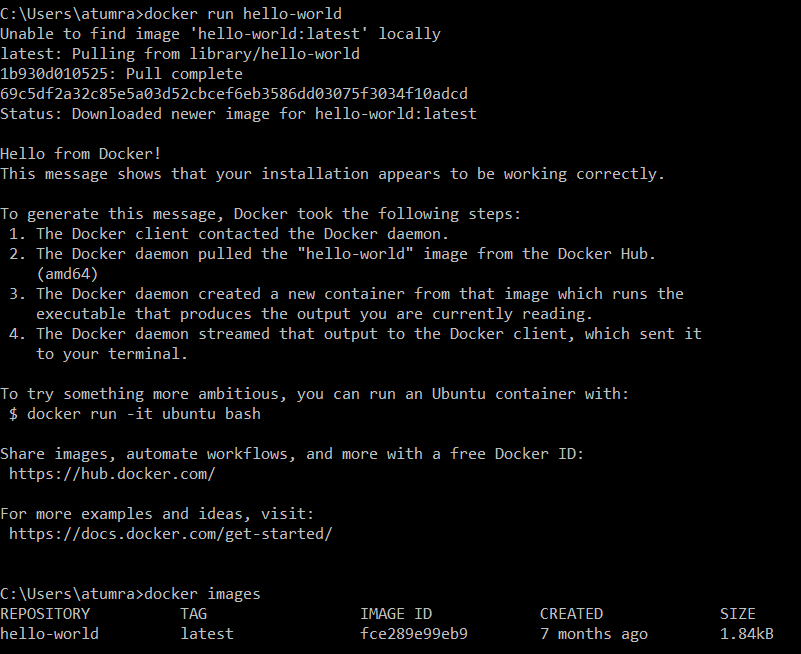
We will tag the hello-world image and push it to our docker hub repository
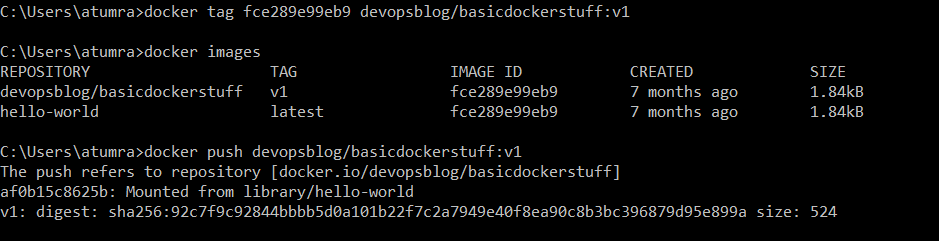
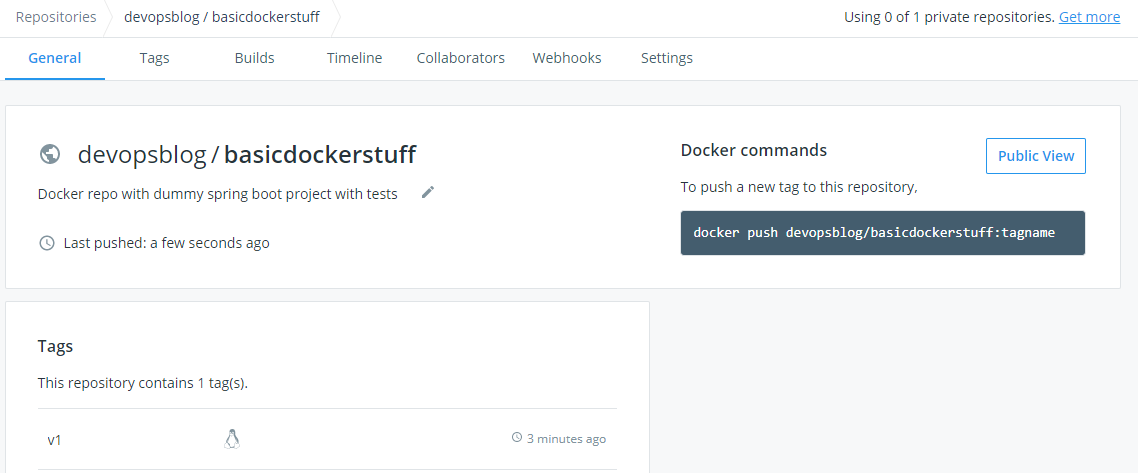
Once push is done we can go to our docker hub registry and verify that we have docker image
2. Create a github account and a repository
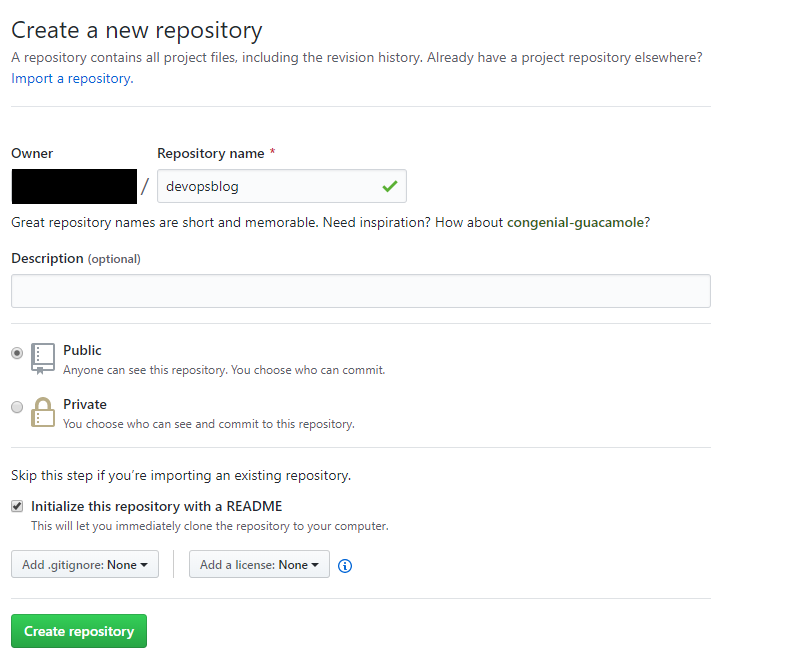
One the repository it’s created and initialized with a README file we can clone it locally so we can add the spring boot dummy project inside.

One the repository it’s created and initialized with a README file we can clone it locally so we can add the spring boot dummy project inside.
3. Creating a spring boot dummy project by using start.spring.io

The project doesn’t have any other dependencies and in the test class we will add multiple dummy test methods just to run something 🙂

Now we can push the project to our github repository

Project can be cloned by running : git clone https://github.com/diaconur/devopsblog.git
4.Creating our docker image
We will build our image using a Dockerfile like bellow

We are using an image that already contains Maven and Java in order to run the test from the project.
Build image : docker build -t devopsblog:v1 .
You will get a message that build was successfully but you can also verify that the image was created

5. Tag and push to dockerhub repository

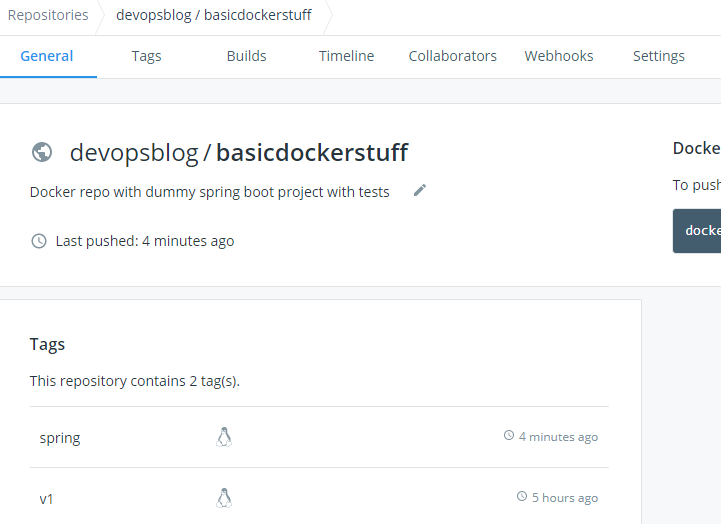
If we go to our dockerhub repository we can see that we have a new tag “spring”
6. We can run the docker image to verify that the project is running but first let’s delete the image from our local environment so we can get it from dockerhub

Run docker container

We can see that the project is successfully running and the container exits at the end of the build








 Development & Automation
Leave a comment